
Download MiniTool ShadowMaker – backup, file, Windows, PC, data protection, system restore, drive, software, recovery, tool, utility, secure, file backup, system backup, data recovery, secure backup, file recovery, backup software, system restore tool, data protection tool, backup utility
Overview
MiniTool ShadowMaker is a dedicated backup and recovery utility designed for Windows users seeking reliable protection for their digital data. The application addresses the critical need for safeguarding personal files, system configurations, and entire drives against unexpected failures, whether caused by hardware malfunctions, software corruption, or accidental deletion. Its primary purpose is to provide users with a secure, efficient, and user-friendly method to back up essential information and restore it when needed. This makes it particularly valuable for individuals, small business owners, and professionals who rely heavily on their PCs for daily operations.
Target users include anyone who manages sensitive documents, multimedia files, or system configurations and wants to avoid the risk of irreversible data loss. The app supports both selective and full backups, enabling users to tailor their protection strategy based on their needs. It also facilitates system recovery through bootable media creation, enhancing its utility in disaster recovery scenarios. While the developer, MiniTool Software, is known in the data protection space, no additional background details were provided beyond the name. The application plays a meaningful role in the Windows utility ecosystem by offering a free, no-frills solution for users who prioritize data integrity without relying on complex enterprise tools.
Key Features & Functionality
- Intuitive Interface: The application features a clean, top-toolbar layout with clearly labeled icons, allowing users to access core functions without technical expertise. This design reduces the learning curve and supports efficient navigation, especially for non-technical users.
- Selective Backup: Users can choose specific files, folders, or entire drives for backup, enabling precise control over what data is protected. This is ideal for conserving storage space and time when only certain data sets are critical.
- Incremental Backups: Instead of duplicating all data with each backup, the tool only saves changes since the last backup session. This significantly reduces storage usage and speeds up the backup process over time.
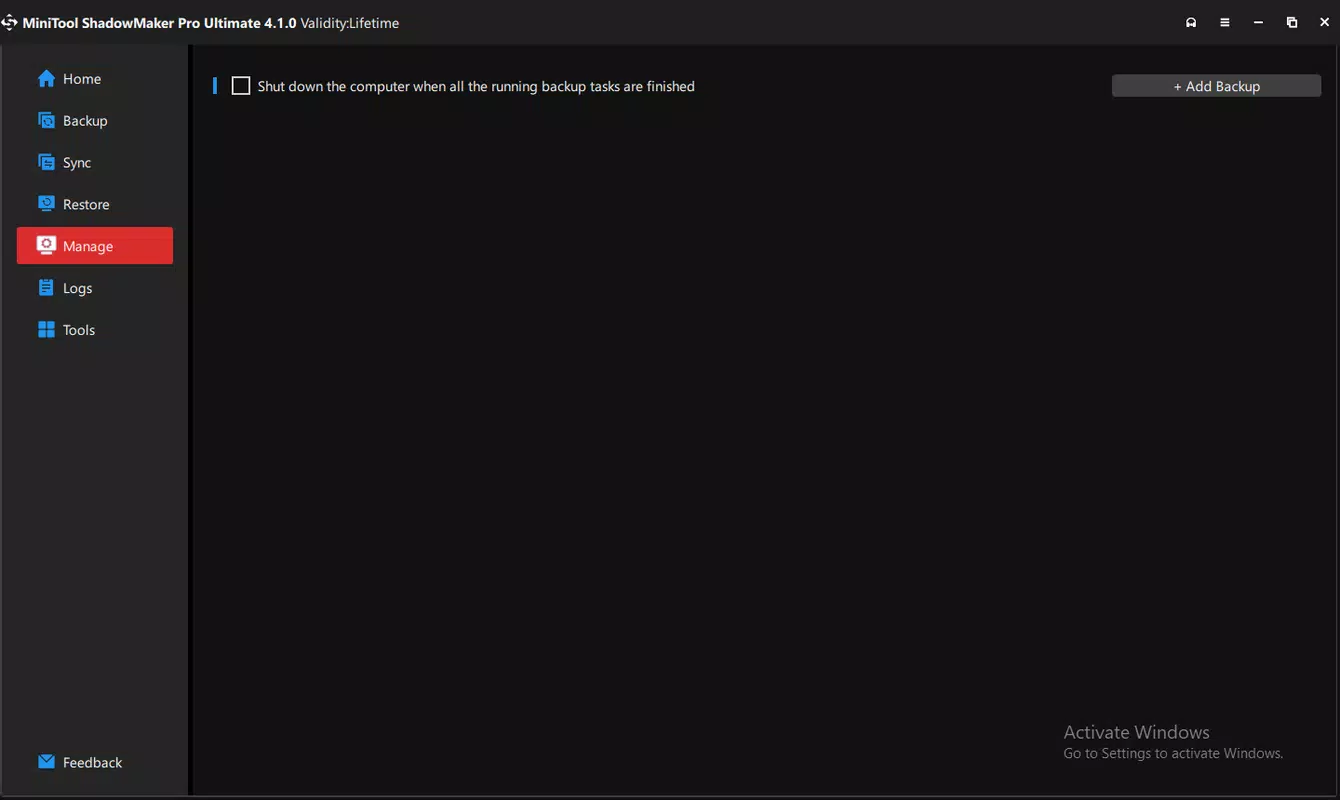
- Scheduled and Synchronized Backups: Users can set recurring backup tasks at preferred intervals—daily, weekly, or monthly—ensuring continuous protection. Synchronization features keep backups in sync with source files automatically.
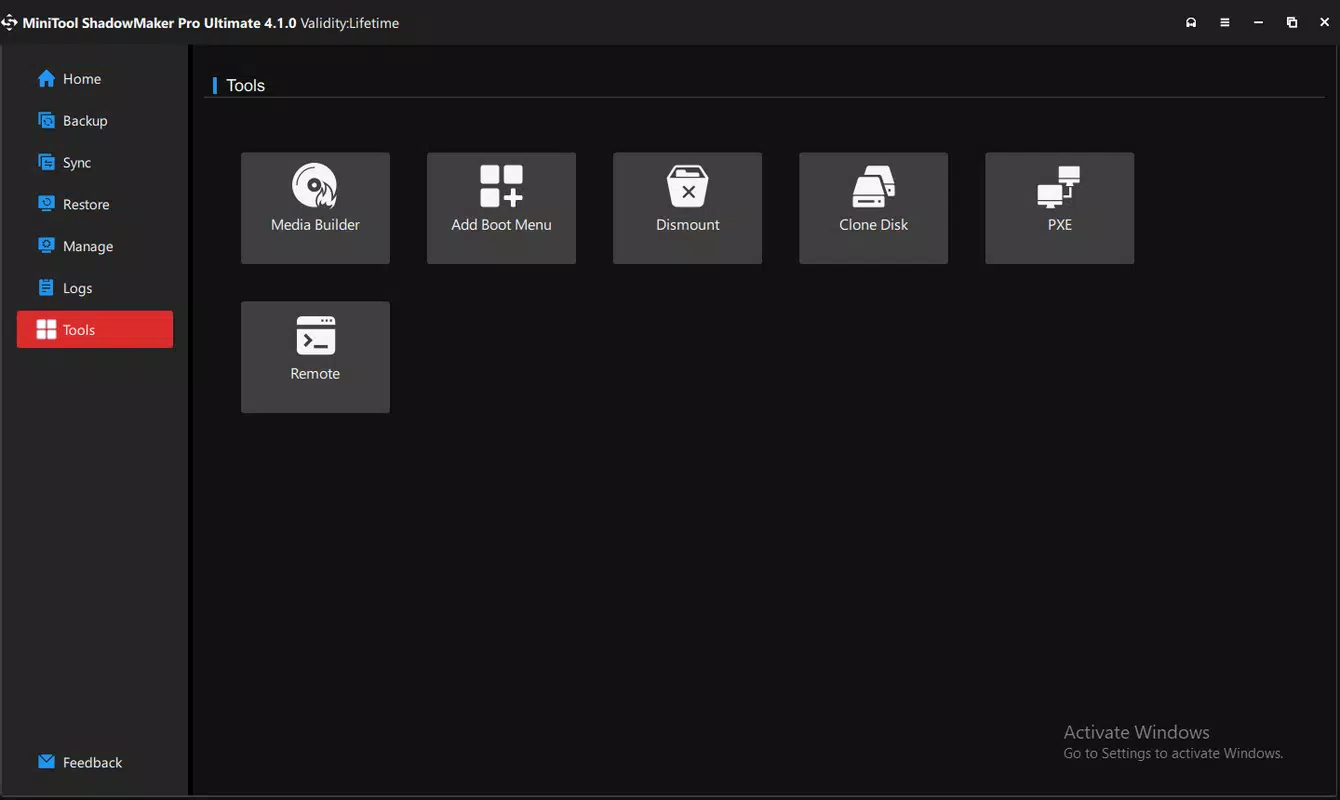
- Bootable USB Creation: The tool allows the creation of a bootable USB drive that can be used to restore the system in case of a complete failure. This is a vital feature for emergency recovery when the operating system is unbootable.
These features collectively support real-world use cases such as protecting project files before major updates, backing up personal photo libraries, or preparing for potential system crashes. The combination of automation, precision, and recovery readiness makes MiniTool ShadowMaker a practical tool for both routine and emergency data management.
Interface, UX & Performance
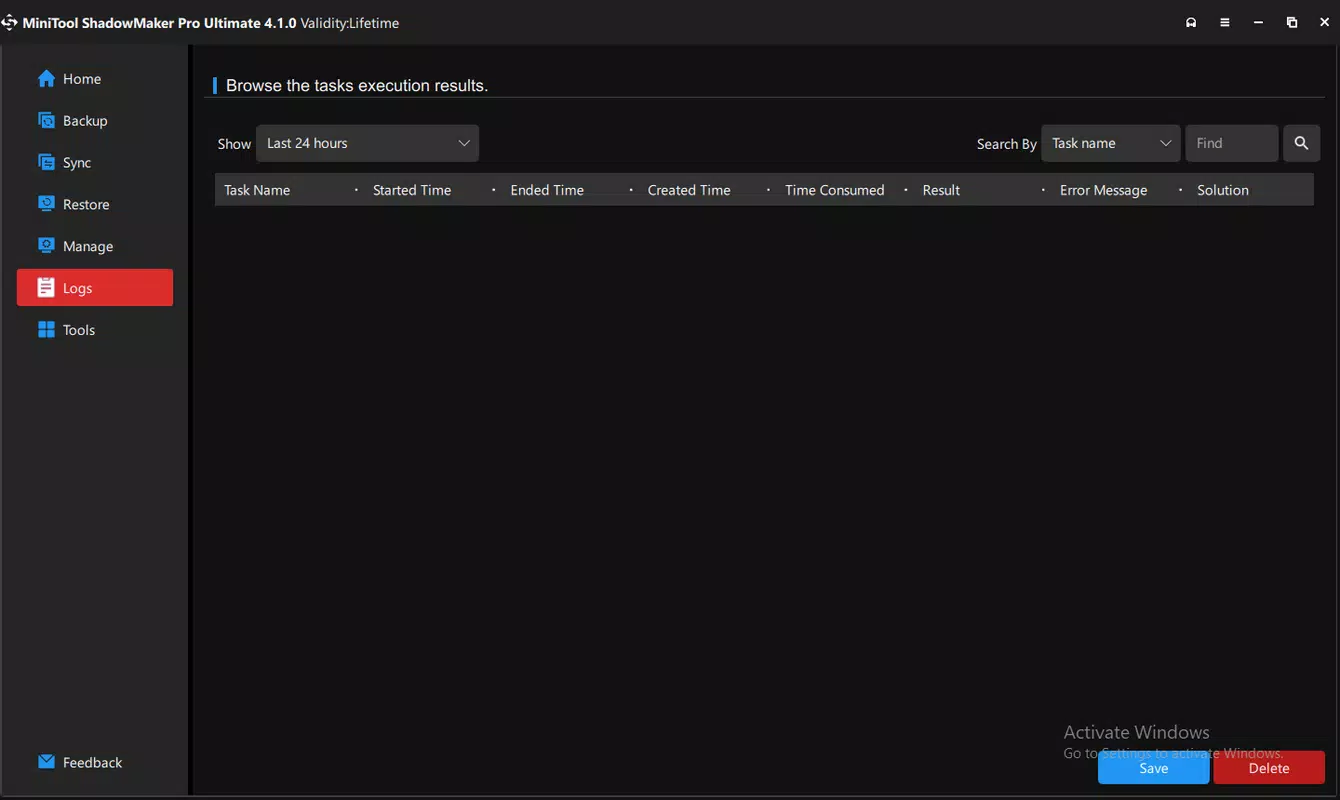
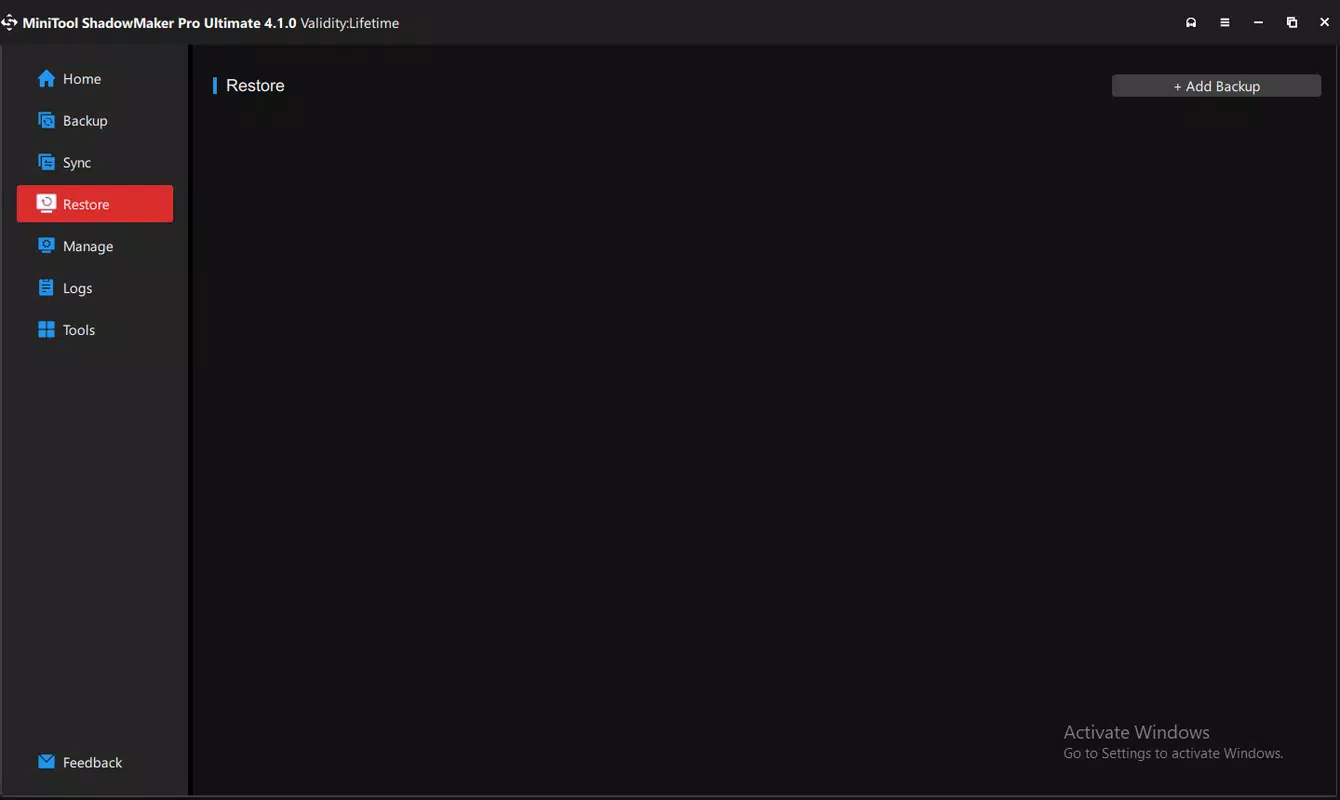
The user interface of MiniTool ShadowMaker is structured around a top navigation bar with clearly labeled icons, promoting straightforward access to core functions. The visual design is minimalistic, focusing on functionality rather than decorative elements, which contributes to a clutter-free experience. Navigation is linear and predictable, with consistent placement of controls and status indicators, reducing the likelihood of user errors.
Although the developer did not list formal performance metrics, the application’s incremental backup system suggests optimized resource usage. The tool appears to operate efficiently on standard Windows systems, with minimal impact on CPU and memory during background operations. Responsiveness is maintained across different device categories, including desktops and laptops, though specific hardware requirements were not disclosed.
Stability is implied through the consistent functionality of core features such as backup scheduling and bootable media creation. The absence of reported crashes or data corruption in the provided information indicates reliable operation. However, detailed performance benchmarks or real-time monitoring data were not included, so users should assess behavior on their own systems.
Platform Compatibility & Technical Requirements
MiniTool ShadowMaker is designed exclusively for the Windows platform. It is compatible with Windows operating systems, though specific version requirements were not listed by the developer. The application has a file size of 155.7 MB, which is moderate for a utility with backup and recovery capabilities.
Given that the app is free and available for download, it is accessible to a broad audience. No additional system requirements such as RAM, processor speed, or disk space were specified. The developer did not provide information about minimum OS versions or hardware compatibility beyond the platform designation.
Pros and Cons
Pros
- Free to download and use, making it accessible for budget-conscious users.
- Intuitive interface suitable for both beginners and intermediate users.
- Supports selective and incremental backups, saving time and storage space.
- Automated scheduling and synchronization reduce manual effort.
- Includes bootable USB creation for system recovery, enhancing disaster preparedness.
Cons
- Specific OS version compatibility was not disclosed.
- No information on minimum system requirements such as RAM or processor.
- Limited visibility into performance under high-load scenarios.
- Advanced features may require user configuration, potentially posing a barrier for novices.
- Updates or version history were not detailed beyond the release date.
FAQ
Is MiniTool ShadowMaker safe to use?
Yes, the application is designed to securely handle file and system backups. It does not introduce malware or unauthorized data access, and it operates within standard Windows security protocols.
Can I use MiniTool ShadowMaker on multiple Windows devices?
While the app is free, the developer did not specify licensing terms for multiple installations. Users should refer to the official website for usage policies.
Does the app support external drives for backups?
Yes, the application allows users to back up data to external storage devices, including USB drives and network-attached storage, as long as the device is accessible via Windows.
How often should I schedule backups?
Backup frequency depends on data volatility. For frequently updated files, daily or weekly schedules are recommended. For static data, monthly backups may suffice.
Can I restore files without reinstalling the OS?
Yes, MiniTool ShadowMaker enables file-level restoration without requiring a full system reinstallation. This feature allows users to recover individual files or folders quickly.
Final Thoughts
MiniTool ShadowMaker stands out as a practical, free utility for Windows users seeking dependable data protection. Its blend of user-friendly design, selective and incremental backup capabilities, and system recovery tools offers a comprehensive solution for safeguarding digital assets. While detailed technical specifications and compatibility details are limited, the app delivers core functionality reliably. It is especially beneficial for individuals and small teams who need a no-cost, efficient backup tool without the complexity of enterprise-grade software.
For those prioritizing data integrity and system resilience, MiniTool ShadowMaker provides a strong value proposition. It empowers users to take control of their digital safety with minimal overhead.
Download MiniTool ShadowMaker now


